
Built for real missions
Clarity from selection to takeoff
Band · Power · Supply · Cooling · Antenna
Start smart selection ›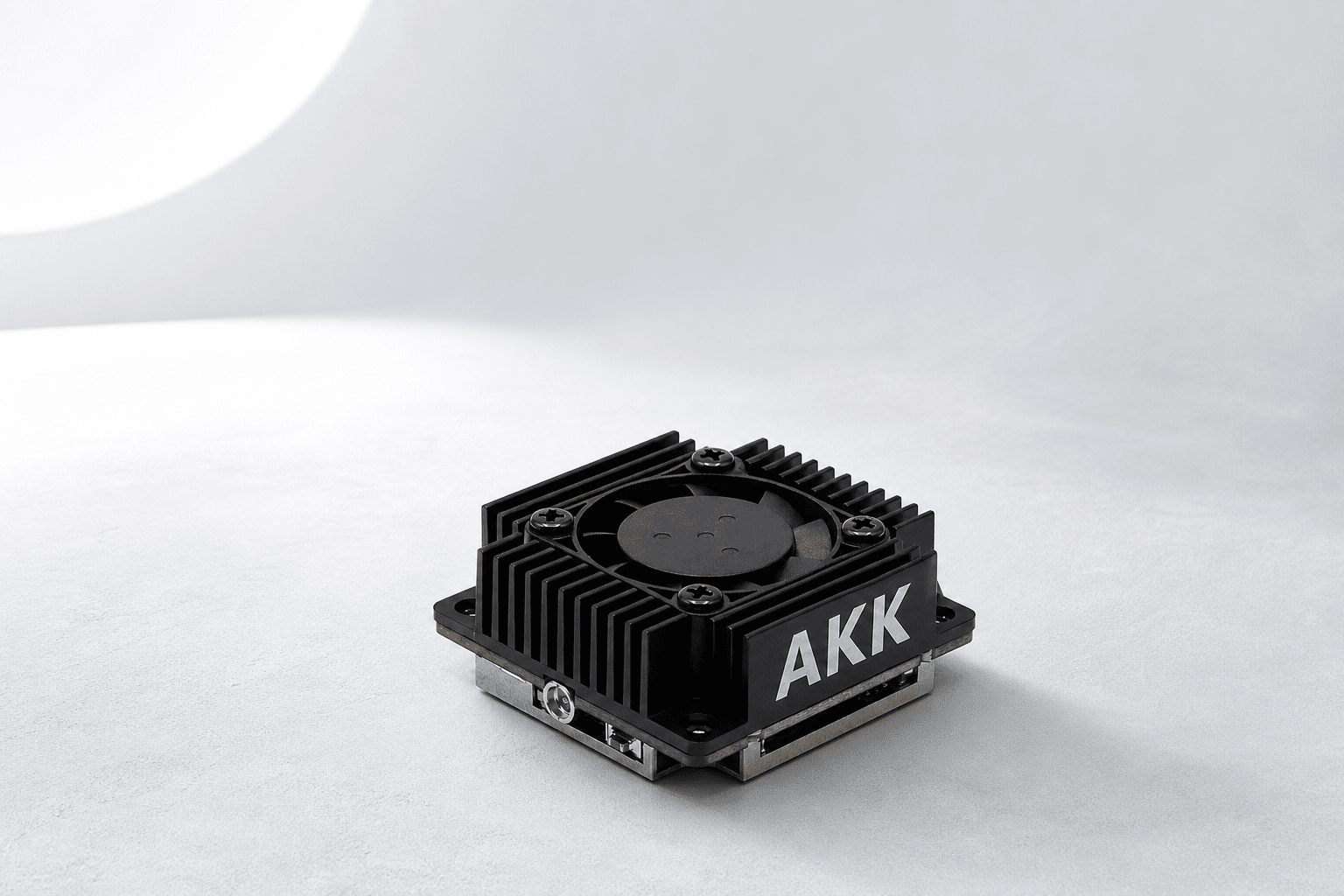
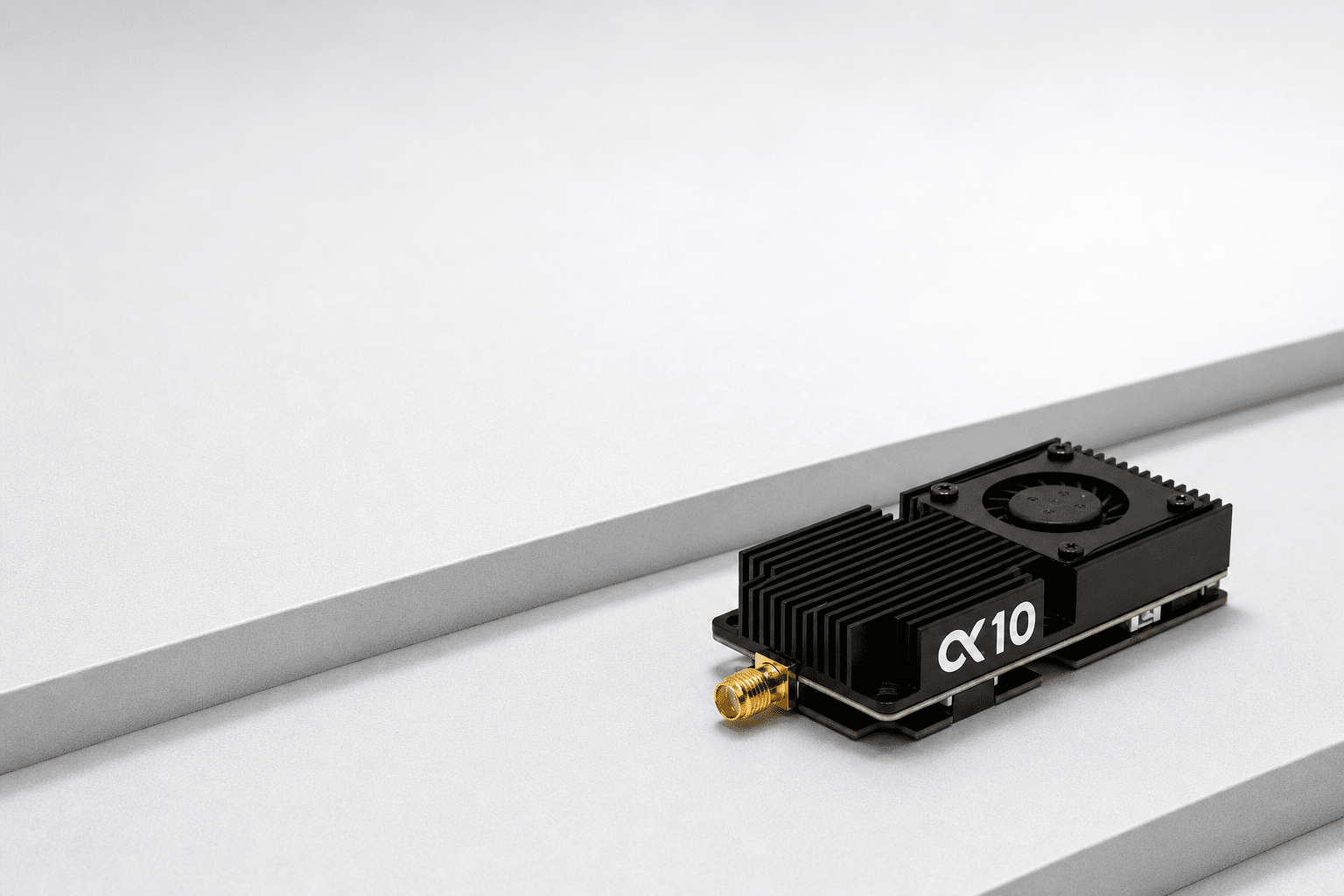
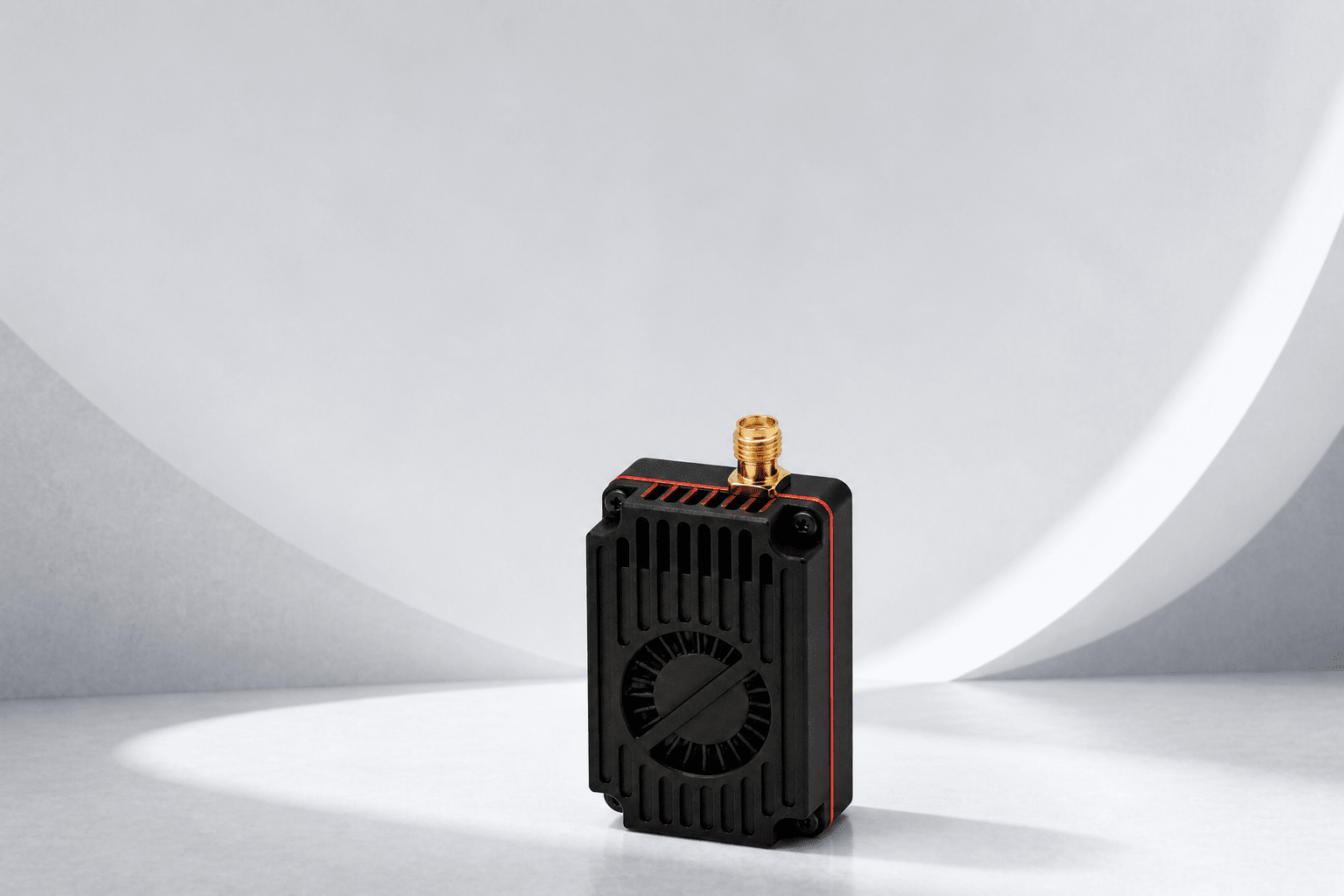
1.2—1.3GHz · 4W
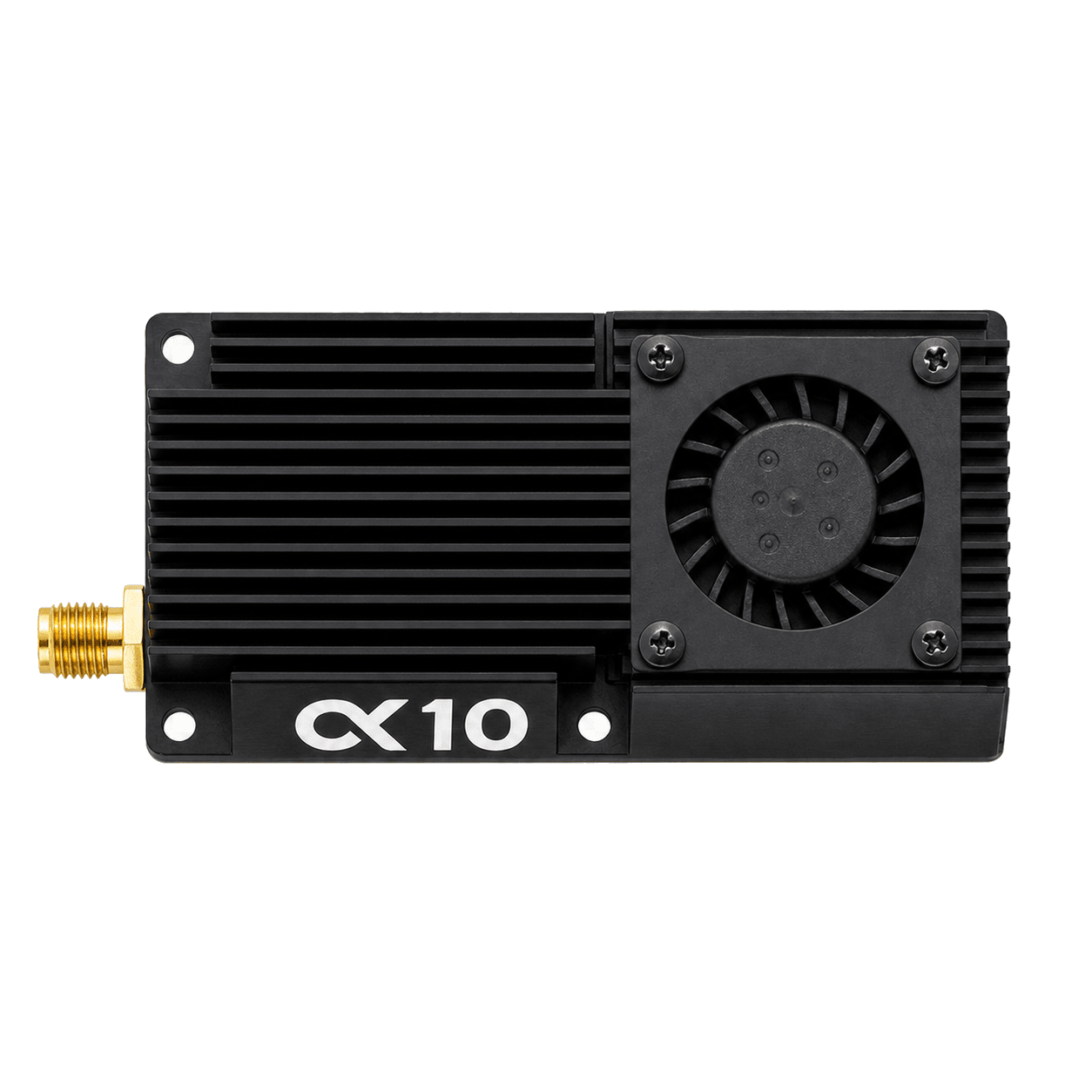
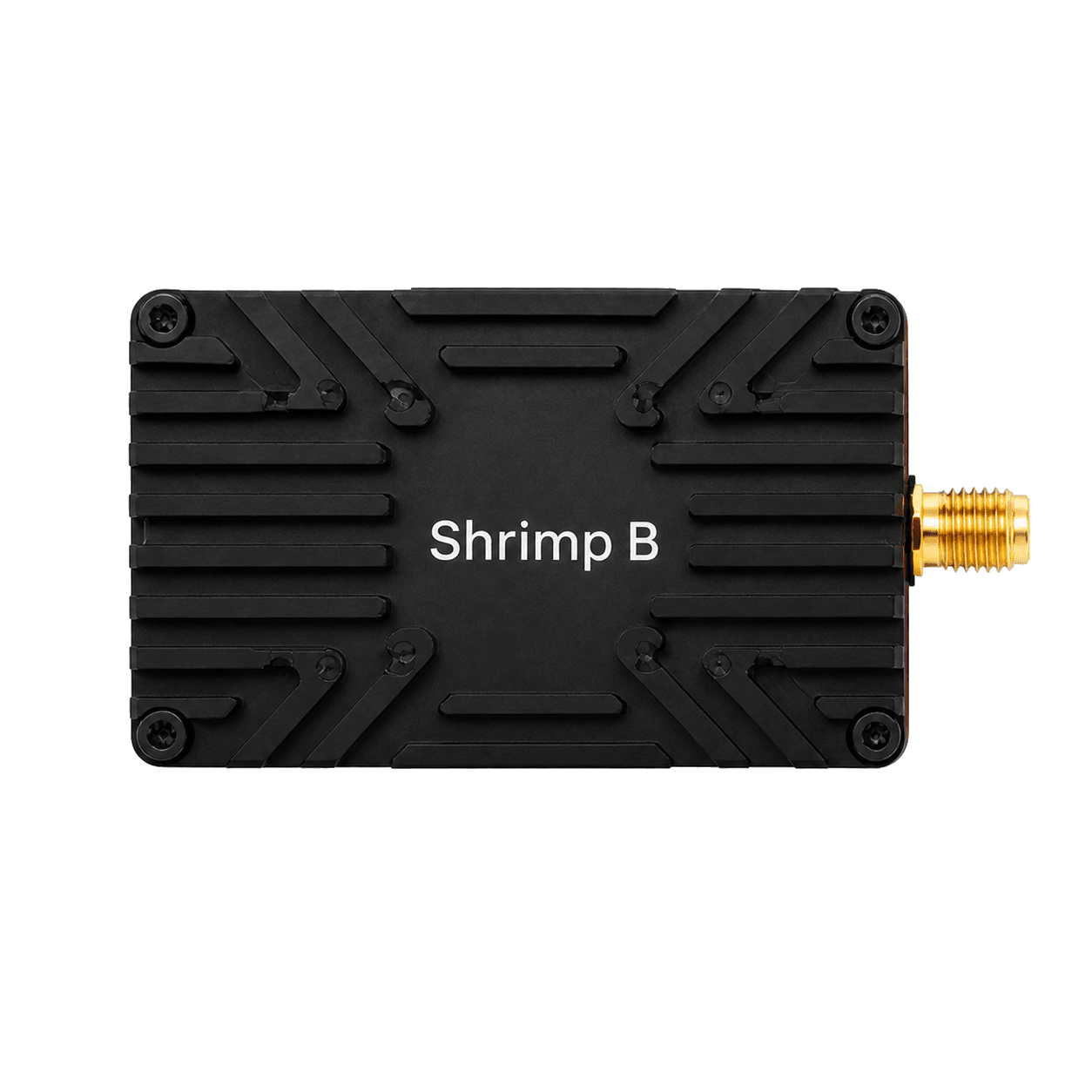
Shrimp B Low-Band 4W
Low-band penetration for long-range missions
Learn more ›Buy now ›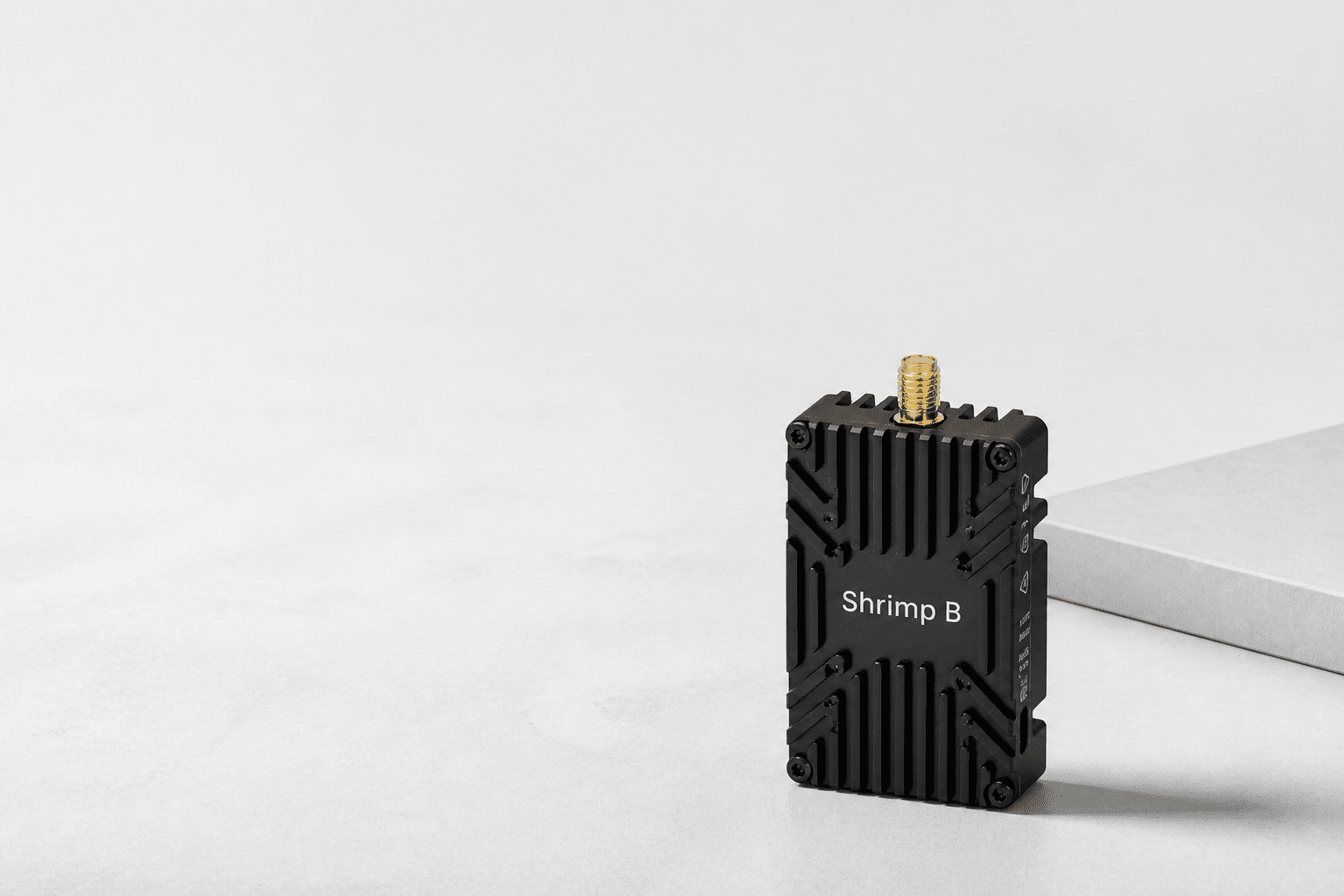

Installation & Setup
Check every detail before power-up
Wiring, protocols, power and firmware
Downloads ›Technical support ›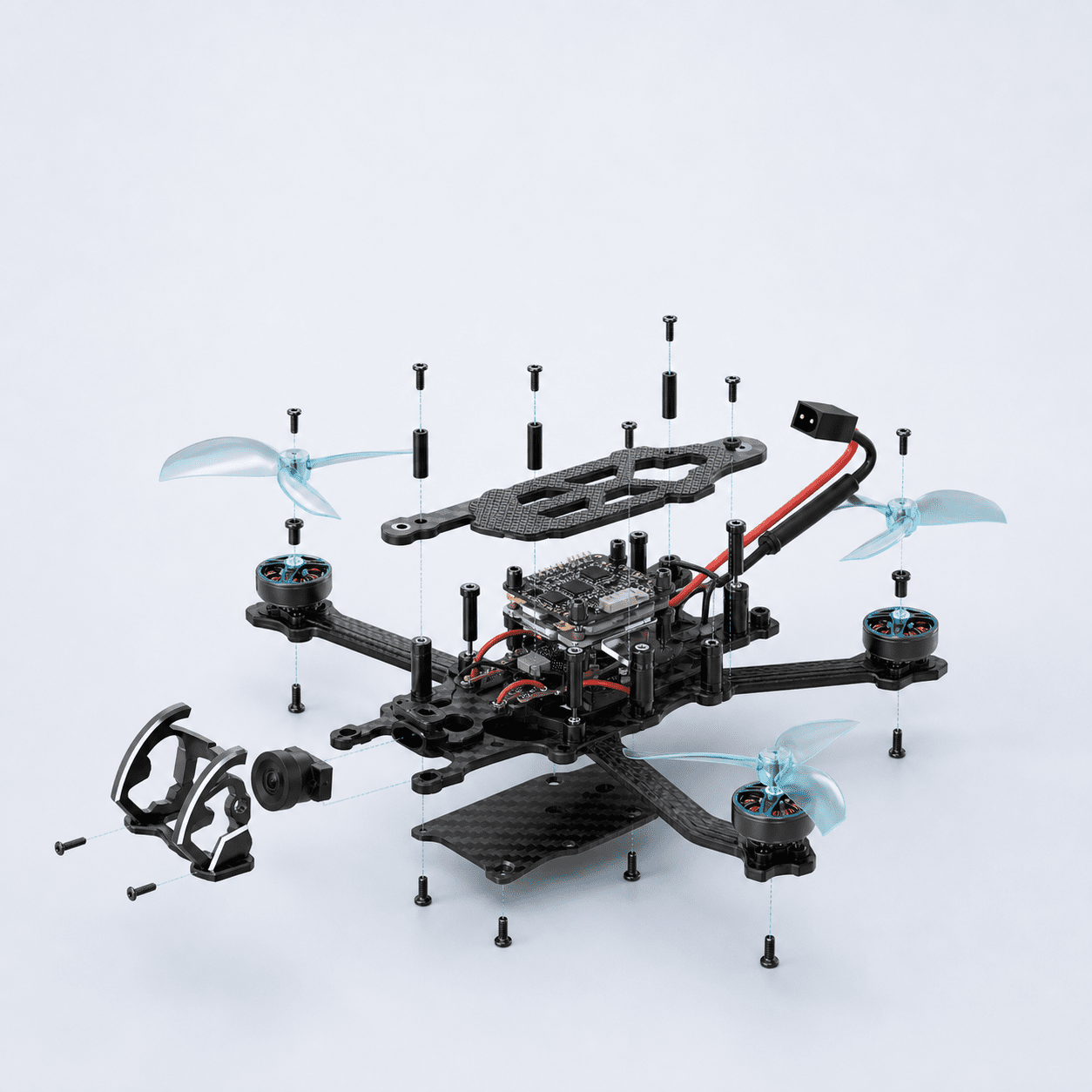
Projects & Bulk Orders
More than supply—we deliver results
Custom bands, cables, packaging and delivery
Learn more ›Send inquiry ›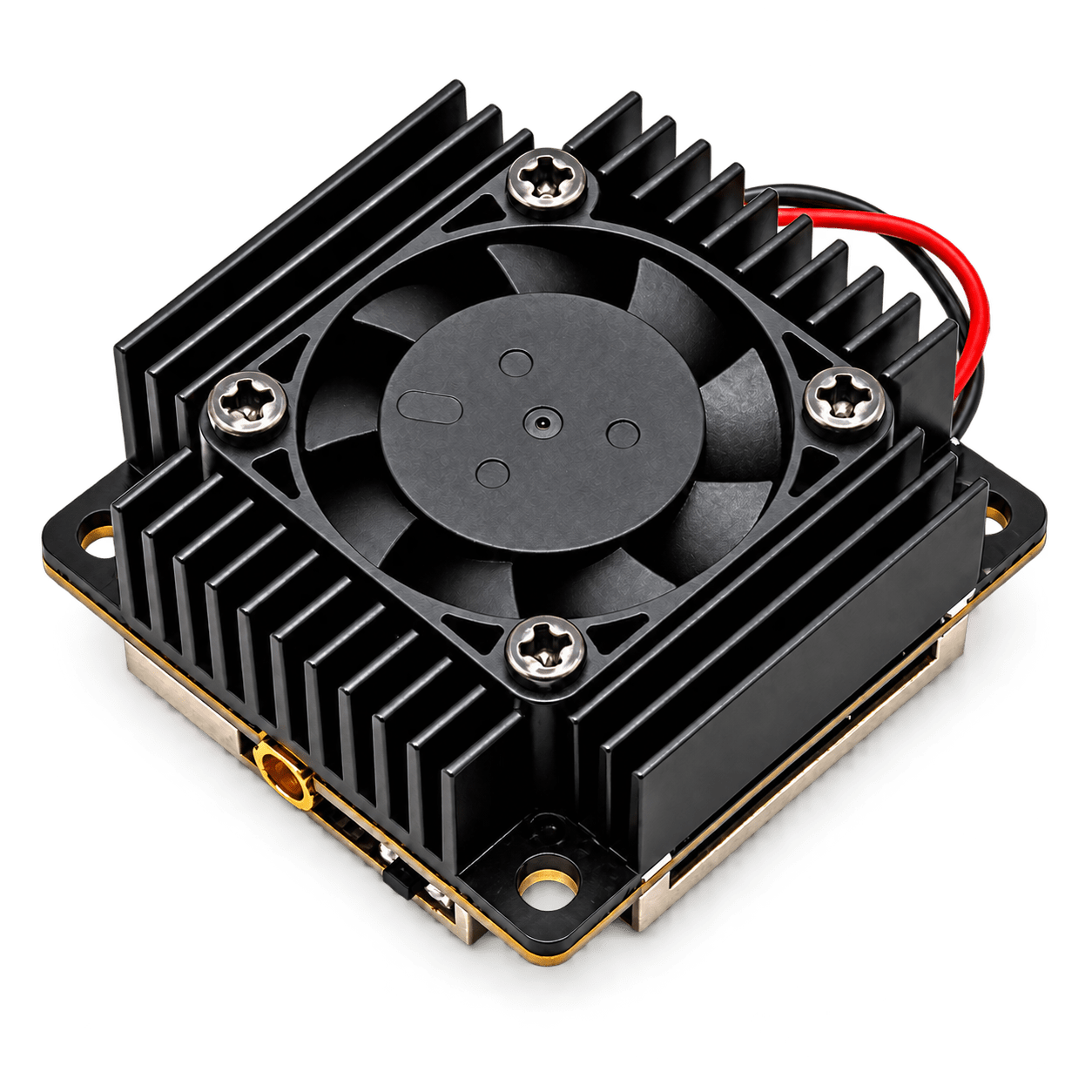
Featured
Popular Products

Technology & Stories
From wiring to real flight, clear guidance keeps every system working reliably.


Explore the complete MINIFLYGO service


Professional Service & Support
Support Center
From assembly, wiring and setup to diagnosis, repair and downloads, get help in the same order a professional FPV build actually happens.Start a Build
Install, wire and configure in the right order.
Open the six-step guide ›Diagnose a Problem
Start from the symptom instead of flashing blindly.
Start diagnosis ›Find Resources
Manuals, wiring diagrams, firmware and CLI files.
Go to downloads ›Search More Topics
Professional Build Guide
Complete the build one step at a time.
Choose the current stage and focus only on the checks needed now. Professional support should be a connected workflow, not a pile of articles.Current step · 01
Identify Product Version
Confirm model, hardware revision and input range. Complete these checks before continuing.- Record the frame and electronics models
- Verify FC / ESC hardware revisions
- Download the matching wiring diagram and firmware
Current step · 02
Frame & Motors
Complete mechanical assembly and cable planning before continuing.- Confirm arm orientation and plate order
- Make sure motor screws cannot touch windings
- Plan motor, antenna and power cable routing
Current step · 03
FC & Wiring
Verify pads, UARTs and polarity before continuing.- Verify polarity and voltage against the wiring diagram
- Record the UARTs used by receiver and VTX
- Check the power rails for shorts with a multimeter
Current step · 04
VTX & Receiver
安装天线并完成协议连接。完成以下三项后再进入下一阶段。- Install the matched antenna before powering the VTX
- Verify video and control-protocol wiring
- Bind the receiver and check antenna placement
Current step · 05
First Power-On
限流通电并观察异常。完成以下三项后再进入下一阶段。- Remove props and use a smoke stopper
- Watch for heat, odor or reboot loops
- Check FC, receiver and VTX status LEDs
Current step · 06
Setup & First Flight
验证方向、失控保护与首飞。完成以下三项后再进入下一阶段。- Verify craft type, attitude and motor direction
- Verify channels, modes and failsafe
- Run a short hover check in a low-risk area
Browse by System Component
Verified general guides open directly. For voltage, pads, frequencies, power and screw length, confirm the exact model and hardware revision first.10 matching resources
Before frame assembly: mounting pattern, stack height and orientation
Basics · 6 min
Assembly order for carbon plates, arms, damping mounts and fasteners
Assembly · 9 min
First Betaflight connection and diff all backup
Setup · 8 min
VerifiedOfficial Betaflight documentationMatching UART, Serial RX and CRSF
Wiring · 7 min
VerifiedOfficial Betaflight documentationAnalog VTX: SmartAudio, Tramp and VTX tables
Setup · 10 min
Digital video: MSP DisplayPort and cooling
Install · 8 min
ExpressLRS: binding phrase and supported power-cycle binding
Binding · 6 min
Receiver LED is on but channels do not respond: diagnostic checklist
Troubleshooting · 5 min
Propeller-free checks of motor numbering, direction and props-in/out
Safety · 7 min
Motor screw length and winding clearance
Install · 4 min
Diagnostics
Describe the symptom before taking anything apart.
Separate power, connection, protocol and configuration problems before a small fault becomes hardware damage.
Repair & RMA
Prepare clear evidence before repair.
Prepare the product label, full wiring view, fault video, power conditions and completed checks to reduce back-and-forth.Create repair request ›Download center
Organized by model, hardware revision and file type to prevent incorrect firmware downloads.Manuals & Quick Start
Installation order, pin definitions, basic operation and safety notes.
Choose product ›Wiring & Pinout
Power, UART, video, receiver and peripheral connections.
Choose hardware revision ›Firmware, CLI & VTX Table
Only files matching the selected hardware with version notes are shown.
View version history ›Projects, Distribution & Bulk Orders
Send the model, quantity and mission requirements. We will confirm bands, lead time and customization.
Send inquiry