Verify the video path
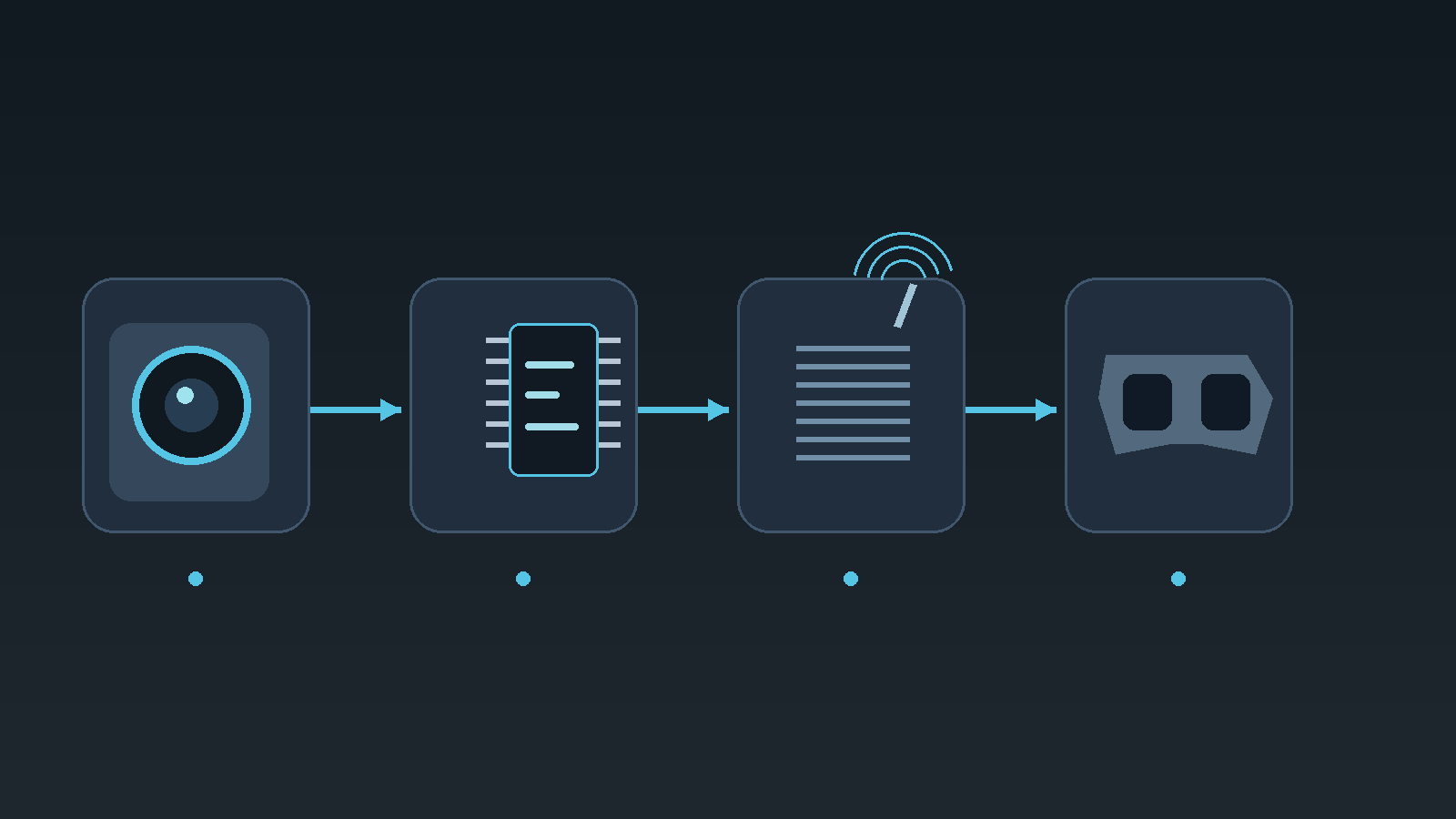
Analog video must pass through the FC OSD circuit to carry Betaflight information. A camera wired directly to the VTX can produce video without FC OSD. Check video input and output against the board manual, not wire colours.
Check hardware and power
Some FCs lack analog OSD hardware. Check the specification; USB alone does not power the OSD circuit on every board. Remove propellers, attach the VTX antenna and use the rated supply voltage before powered checks.
Check format and elements
PAL or NTSC in the OSD tab must match camera output. Auto attempts detection; HD is for digital MSP DisplayPort. Enable OSD, place one element near the centre in the active OSD profile, save and inspect the goggles.
Narrow the fault one step at a time
Editorial advice: change one item at a time. Missing edge elements may need repositioning. No camera image requires separate video and power checks; it does not prove a damaged OSD chip. Digital systems use a different signal path.
Sources & verification date
For Betaflight flight controllers with analog OSD. Official documentation checked 8 October 2026; original dates unconfirmed. A tutorial, not a product announcement. No hardware tests performed.