01 / Record the exact message
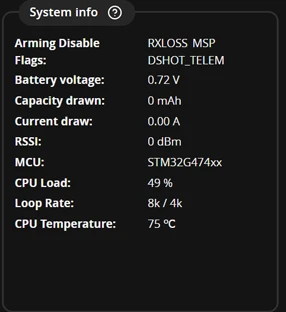
Remove propellers. Find Arming Disable Flags in Setup and record the message, FC model and firmware version. Alternatively, use status in CLI; an open CLI is not the normal flight state.
The official screenshot shows RXLOSS, MSP and DSHOT_TELEM together. It illustrates multiple reasons, not a diagnosis of your aircraft.
02 / Separate the app connection from radio input
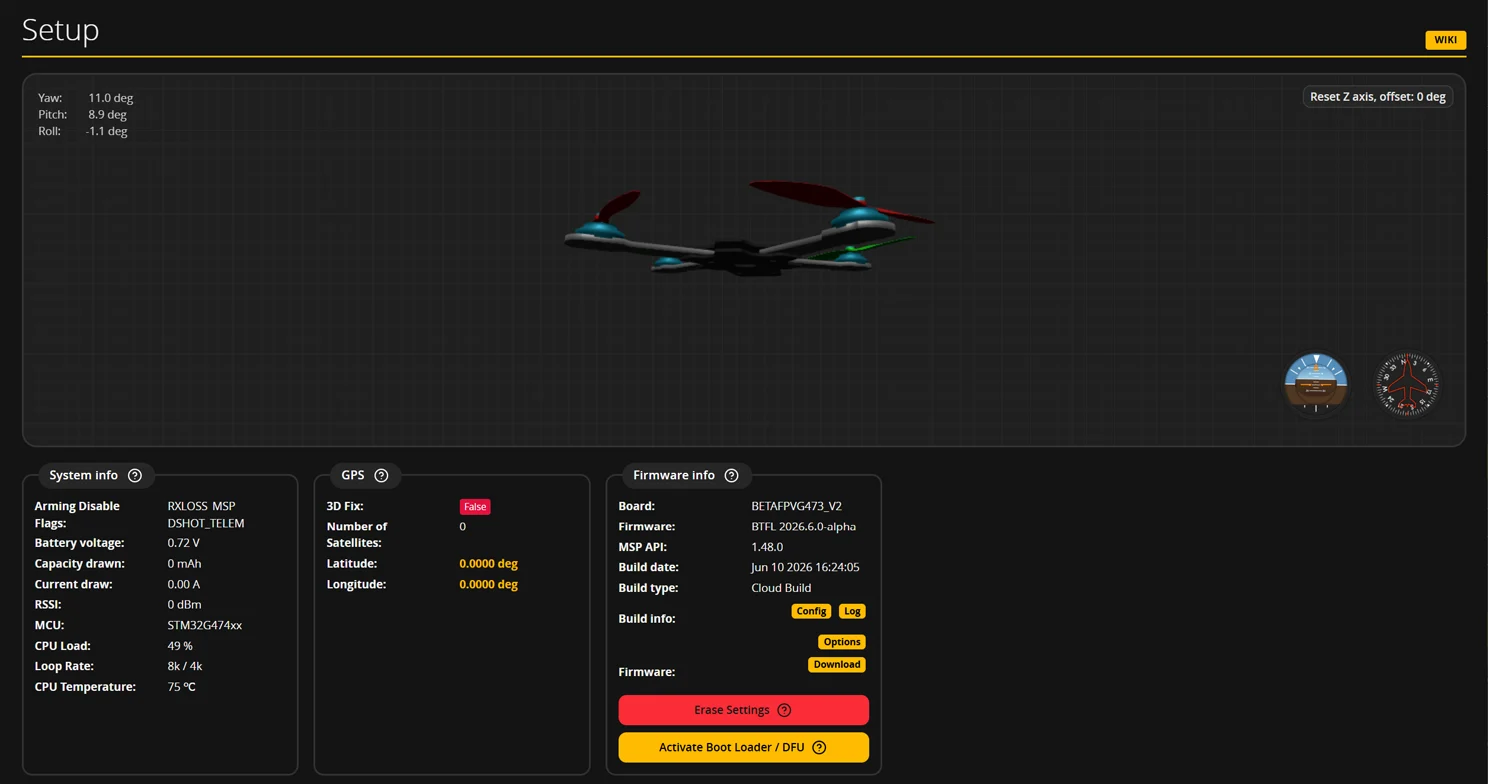
MSP indicates an active MSP connection, such as the configuration app. RXLOSS means no valid receiver signal is detected. Clearing one message does not resolve the rest.
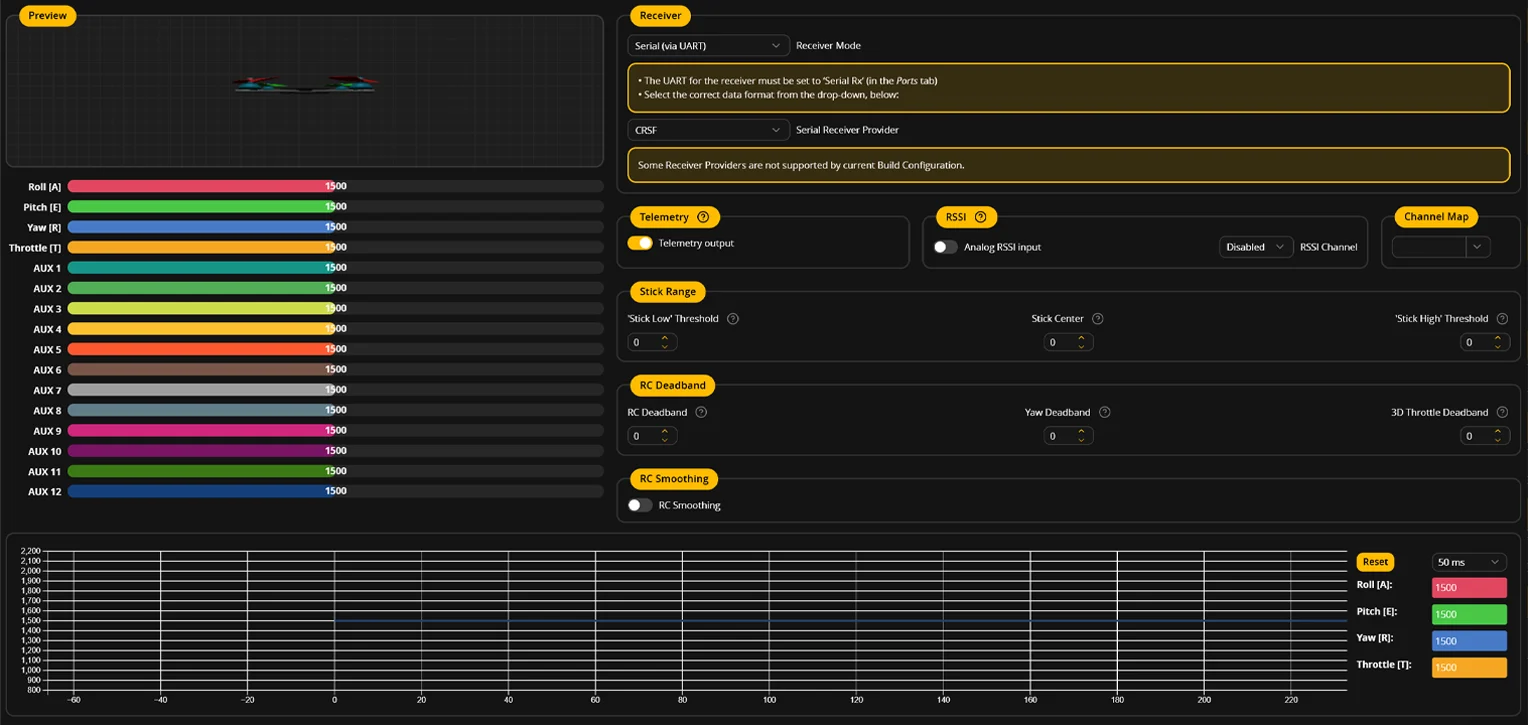
In Receiver, check that the intended AUX channel follows your switch. Then match that channel to the ARM range in Modes. Channel movement alone does not establish that arming is permitted.
03 / Bring useful evidence to troubleshooting
Our support checklist: exact board, firmware version, all flags, a Receiver screenshot while operating the switch, and the ARM assignment in Modes. This is more useful than “it will not arm.”
Work through each reason against your firmware documentation. Do not disable protections to hide a message. Keep propellers removed for any check that could start the motors.
Sources & verification date
Checked 2026-10-18. A practical FAQ, not a firmware release announcement. Real screenshots come from official Betaflight documentation; the application uses GPL-3.0, with source and license linked below. Setup shows 2026.6.0-alpha / API 1.48.0; the Receiver screenshot has no stated version. Values and errors are interface examples, not our build data. MINIFLYGO performed no hardware or flight tests.