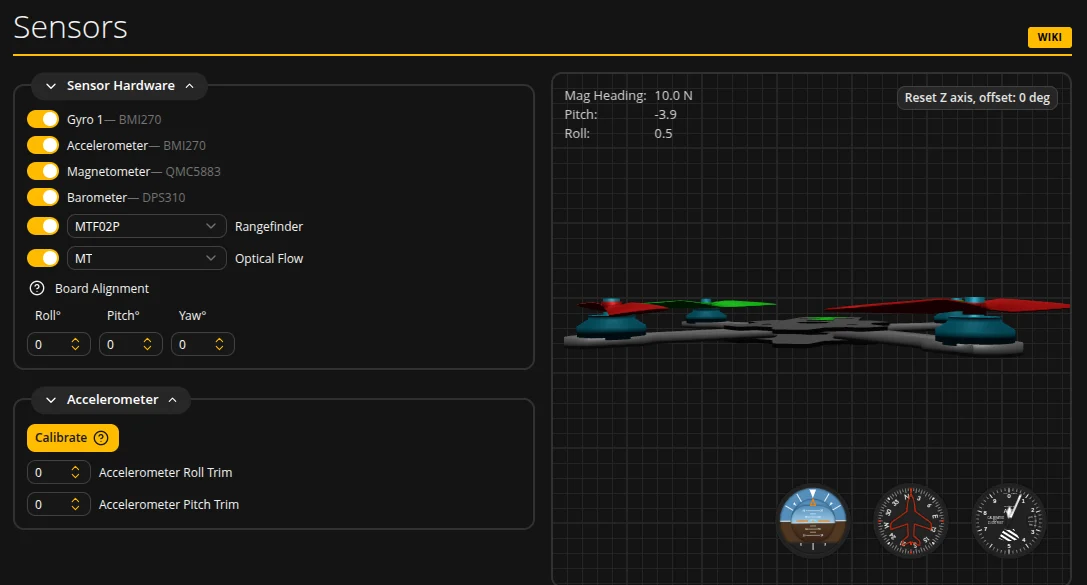
01 / Check orientation first
Remove propellers and back up settings before checking. Identify the frame nose and FC arrow using the board documentation. Do not copy angles from another build.
Compare real frame movements with the model: nose down, right roll and yaw. If a direction disagrees, resolve board orientation first; accelerometer calibration is not a substitute for alignment.
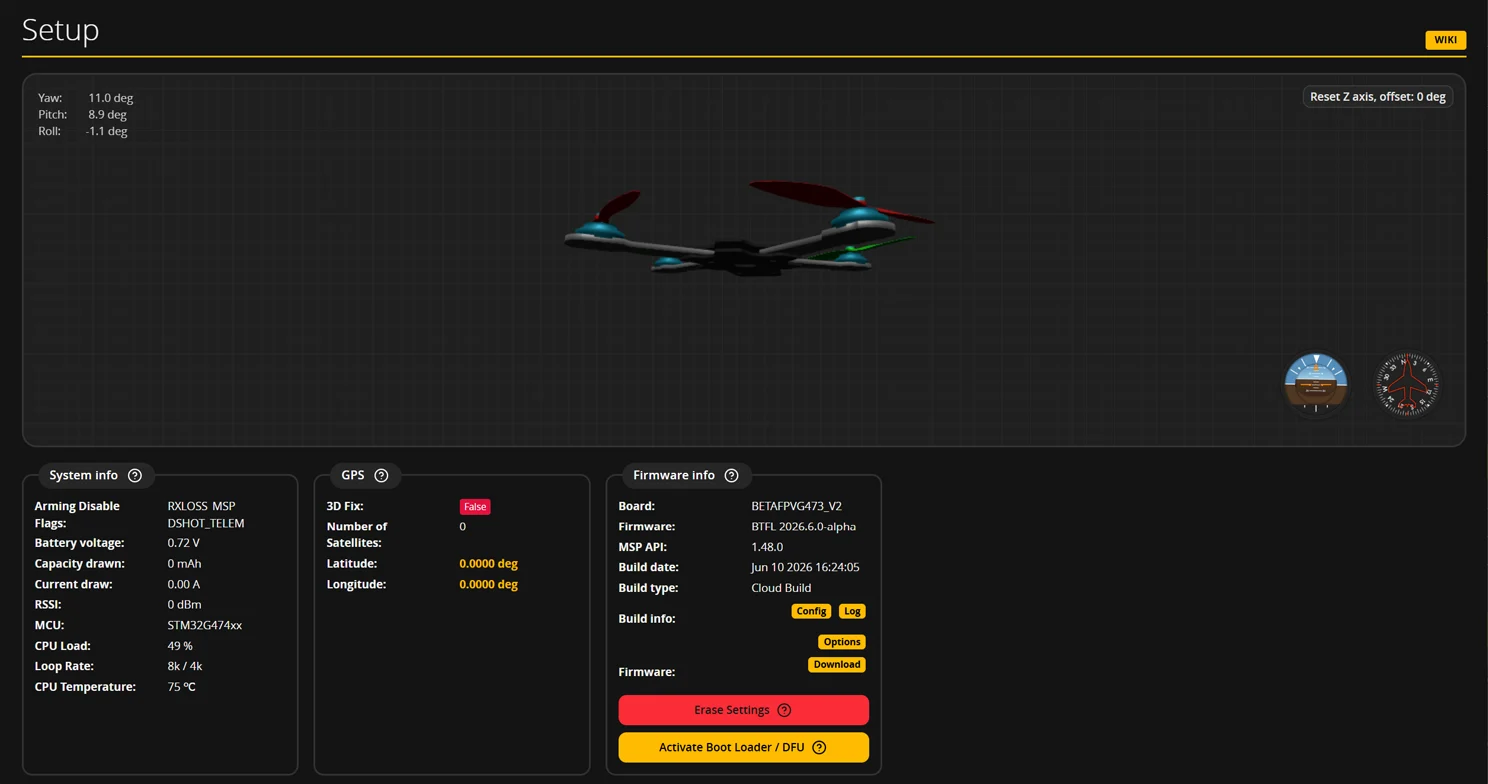
02 / Alignment and calibration are separate
Board Alignment describes the controller’s orientation relative to the frame. Accelerometer calibration requires a stationary frame on a level surface. Do not guess angles just to make the model look level.
The Sensors documentation specifies API ≥ 1.48 for the alignment wizard. Follow the prompts available in your version; if absent, check manual alignment against the board documentation.
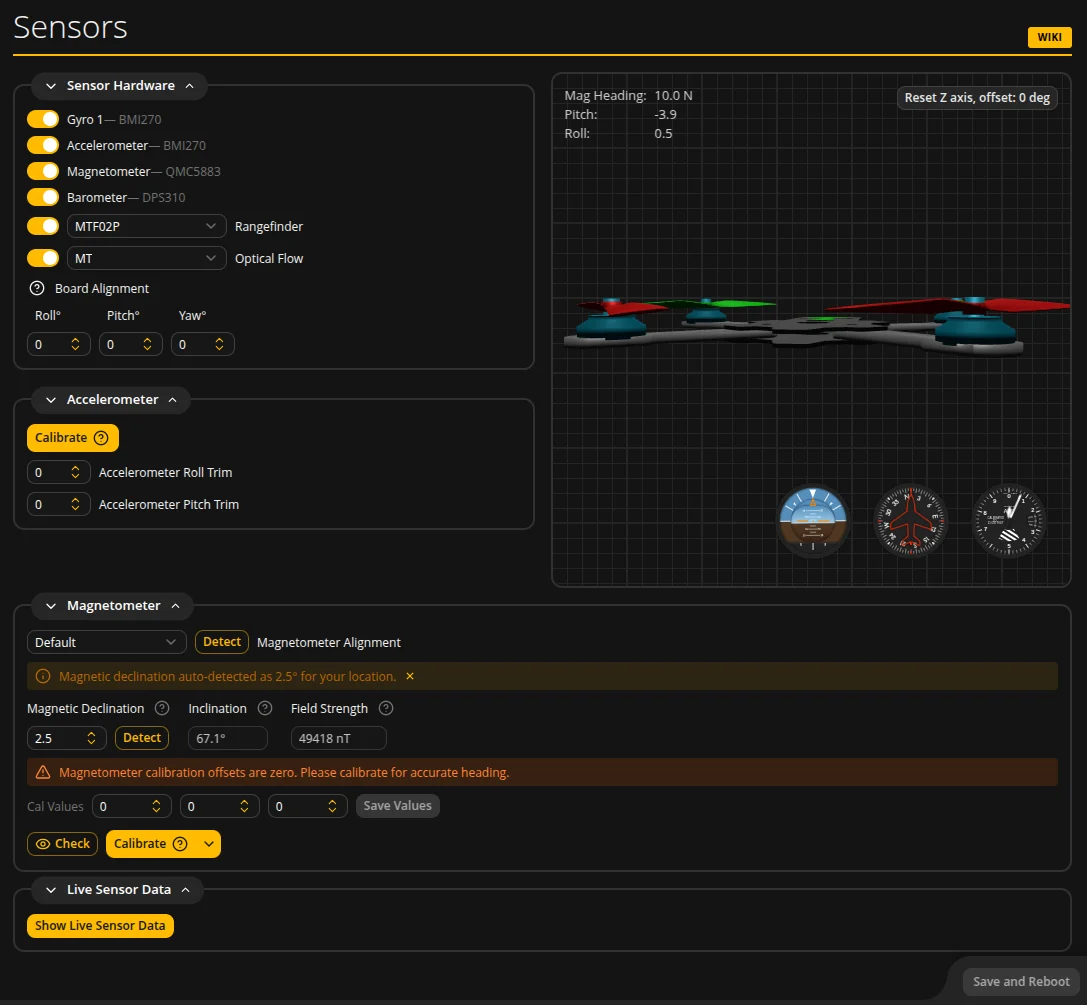
03 / Before continuing assembly
Controls may appear under Setup, Configuration or Sensors depending on version. Check app and firmware versions rather than relying on a tab name alone.
Our checklist: movement agrees on every axis; calibration was stationary; changes were saved; the result was rechecked after reconnecting. Motor order and rotation still need their own propeller-free checks.
Sources & verification date
Checked 2026-10-17. This is a practical guide, not a new-release announcement. Real application screenshots come from official Betaflight documentation; the application uses GPL-3.0. The Setup screenshot shows 2026.6.0-alpha / API 1.48.0; the Sensors screenshot does not specify its version. Screen values are examples, not recommended settings. MINIFLYGO did not connect an FC or perform hardware or flight tests.