01 / Identify the control method
Betaflight explains that analog VTX control over SmartAudio or Tramp requires an appropriate VTX Table. MSP VTX devices can announce channel, band and power information, so the same table workflow is not required.
This guide focuses on analog SmartAudio/Tramp devices. It is not a universal DJI or Walksnail setup procedure. Record the VTX, flight controller and software versions before consulting current documentation.
02 / A shared brand does not establish a shared table
Editorial advice: save the existing configuration and VTX JSON first. Confirm the replacement’s exact model, hardware revision, protocol and table with its manufacturer. Do not carry over an old file merely because the brand, housing or power label looks familiar.
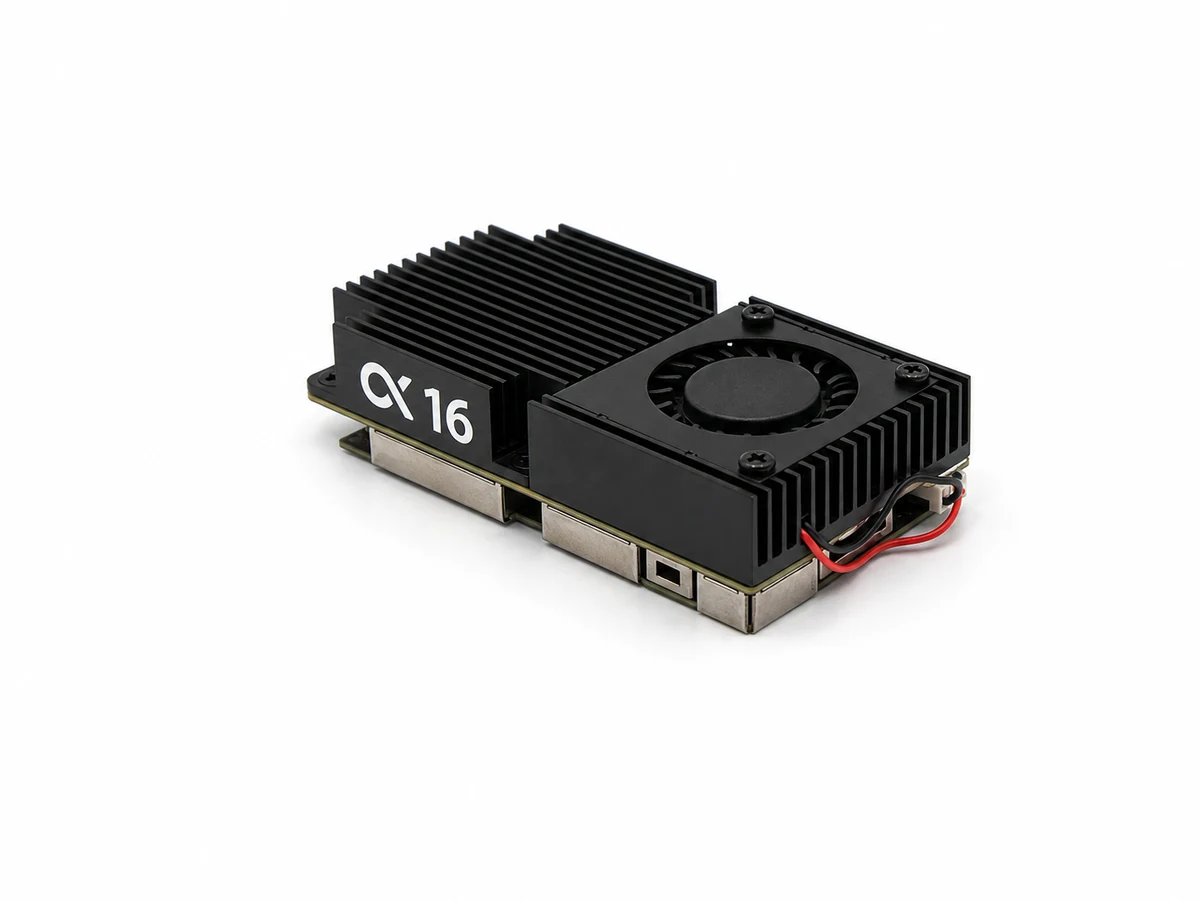
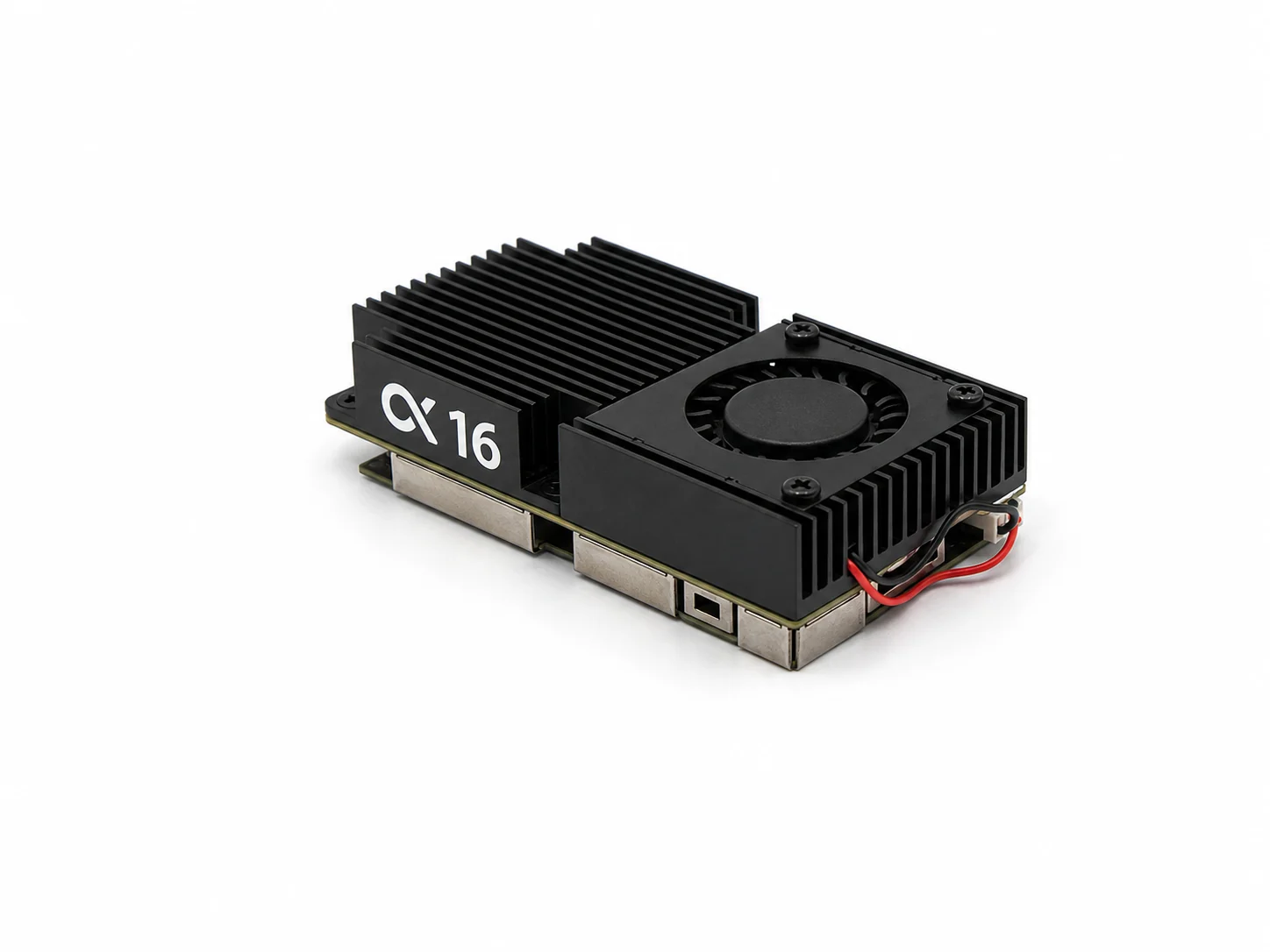
A photograph helps identify markings. The Alpha 16 marking below does not establish a particular SmartAudio version or replace a manufacturer table.
03 / Factory changes how the setting is sent
The official VTX Tab documentation says that Factory sends band and channel numbers; the transmitter uses its built-in frequency table. The entered frequencies then serve displays such as the OSD. Without Factory, the flight controller sends the entered frequency.
Check the Factory setting against device requirements even after copying frequency numbers. Direct frequency entry also requires transmitter support; it is not a universal repair option.
04 / Power Value and Label have different jobs
Value is the manufacturer-defined power-control value; Label is the displayed name. Changing a label to “1W” does not establish a measured 1W RF output.
Editorial advice: keep the manufacturer’s Value-to-Label mapping. Do not treat every device’s Value as milliwatts. A selected level, reported status and measured RF power are different information. No power measurement was performed for this guide.
05 / Verify communication and saved settings
Editorial checklist: back up first; match the manufacturer JSON to the model and revision; inspect frequencies, Factory and Value/Label; save to the flight controller and inspect again; check Device ready, VTX Type and Current Values. Device ready establishes FC-to-VTX communication only.
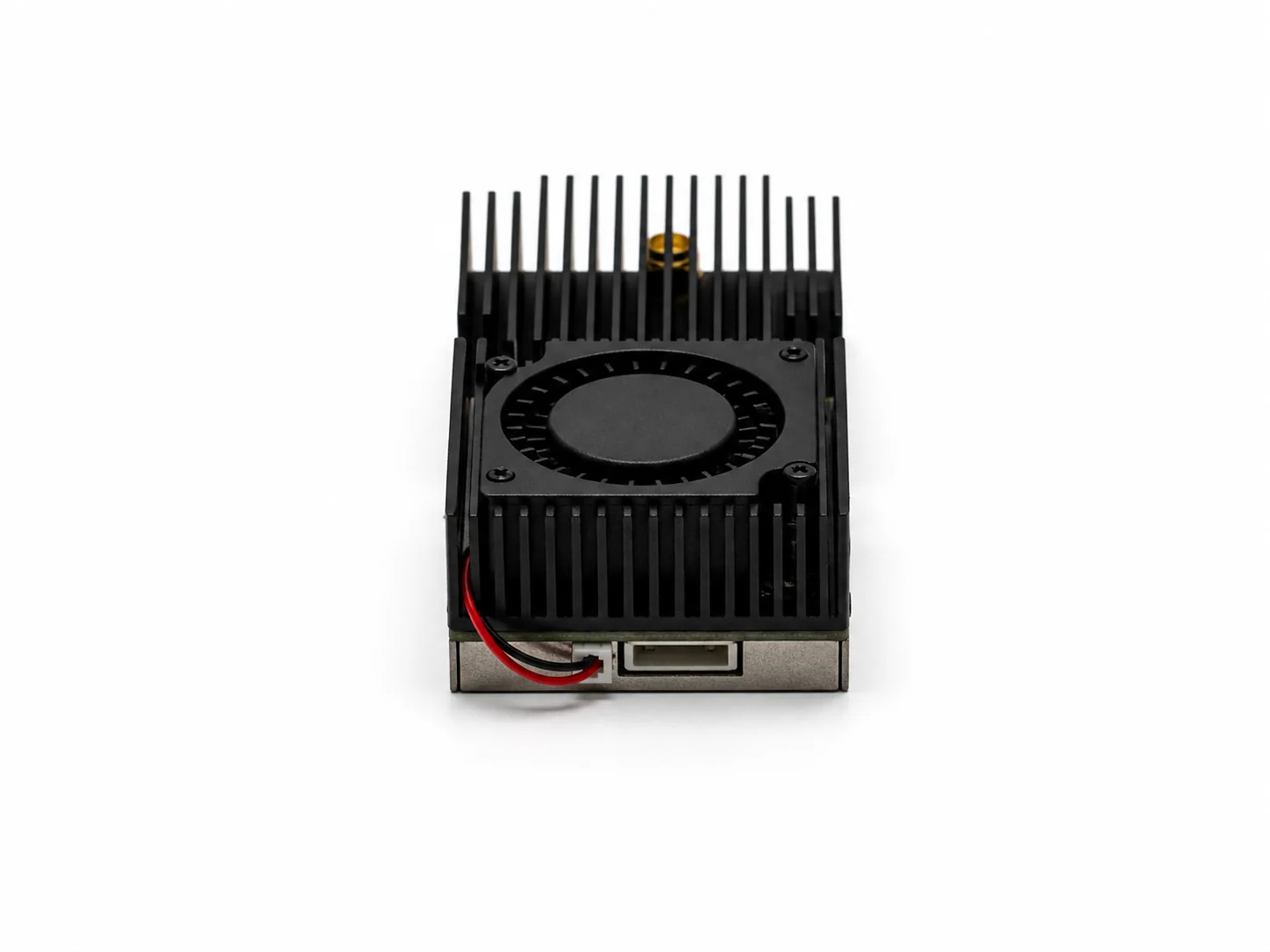
Remove propellers for bench checks. Follow the device manual for a matching antenna, rated supply and cooling. The photograph locates a cable socket, not its pinout. If communication fails, check the actual control wire and Ports settings before changing power values at random.
Related video
Joshua Bardwell, 27 April 2022, English original audio, embedded original YouTube player. A Betaflight 4.3 interface demonstration, not an AKK Alpha 16 setup guide. The article independently explains official documentation; it is not a full video translation. No video download or reupload.
Open on YouTube ↗Sources & verification date
Official sources checked on 12 October 2026. A configuration guide, not firmware news or an RF test. The AKK Alpha 16 photos do not provide its dedicated table, pinout or measured output. The video was published on 27 April 2022 and covers Betaflight 4.3; current interfaces may differ.